
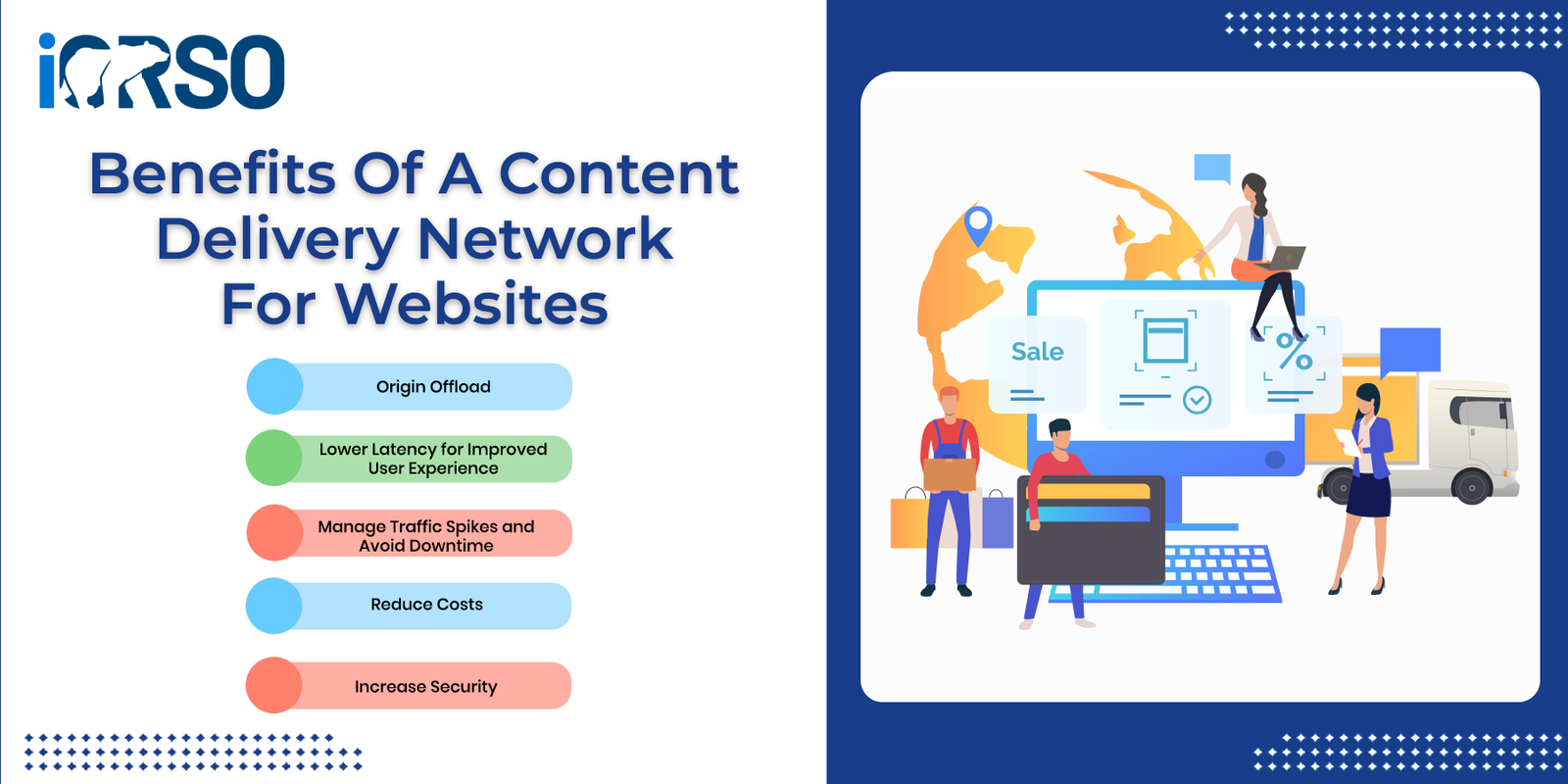
Speed and stability are everything for website visitors. In 2025, users expect pages to load instantly, no matter where they are in the world. That’s where a Content Delivery Network (CDN) becomes a significant advantage.
This guide will break down the top benefits of a content delivery network for websites, explain how CDNs work, and why adding one to your web infrastructure is no longer optional, especially if you care about SEO, user experience, or conversions.
What Is a Content Delivery Network (CDN)?
A content delivery network is a globally distributed network of servers that deliver website content, like images, videos, HTML, CSS, and JavaScript files, based on the user’s geographic location.
Instead of your website being served from a single origin server, a CDN caches your content across multiple locations (called edge servers) around the world. When someone visits your site, the CDN serves the content from the server closest to them.
This means faster load times, better reliability, and improved security.
Why Use a CDN?
If your site loads slowly, suffers from downtime, or struggles with global traffic, a CDN can help resolve these issues instantly. But even if your site seems fine, you could still benefit from faster performance, higher SEO rankings, and lower bounce rates.
Let’s explore the major benefits of a content delivery network for websites of all sizes.
1. Faster Load Times Around the World
Speed is the number one reason most websites adopt a CDN. By serving content from a nearby server, CDNs dramatically reduce latency and page load times.
Why it matters:
- Users expect sites to load in under 3 seconds
- Google uses page speed as a ranking factor
- Faster sites improve engagement, reduce bounce, and increase conversions
Example: If your main server is in New York and a user visits from Sydney, without a CDN it might take 5 seconds to load. With a CDN, that same content can load in under 2 seconds by using an Australian edge server.
2. Improved SEO Performance
Search engines like Google prioritize websites that offer a better user experience, including faster load times and higher availability.
SEO benefits of using a CDN:
- Faster mobile performance (important for mobile-first indexing)
- Reduced bounce rate and better dwell time
- Higher Core Web Vitals scores (LCP, INP, CLS)
- Better rankings in global or local searches
If you’re targeting international traffic, a CDN is essential for consistent SEO performance.
3. Enhanced Website Reliability and Uptime
If your origin server goes down or is overloaded, a CDN can keep your site online by serving cached versions of your pages.
This helps you:
- Handle sudden spikes in traffic (from promotions, viral content, etc.)
- Reduce strain on your origin server
- Protect your brand from embarrassing downtime
Even during outages or attacks, users can still access cached static content without interruption.
4. Increased Security and Protection
CDNs offer built-in security features that help protect your website from common threats.
Most CDNs include:
- DDoS protection – absorbs and mitigates large-scale attacks
- Web Application Firewall (WAF) – blocks malicious traffic
- Bot filtering – stops scrapers and spam bots
- TLS/SSL encryption – secures your data and boosts trust
With cyberattacks on the rise, using a CDN adds a valuable layer of defense without slowing your site down.
5. Better User Experience on All Devices
CDNs help deliver not only faster websites, but more consistent experiences across mobile, tablet, and desktop.
They enable:
- Optimized image delivery (via lazy loading or format conversion like WebP)
- Adaptive streaming for video
- Reduced layout shifts and rendering issues
- Smooth experiences across geographic regions and network types
All of this leads to happier users, and more conversions.
6. Reduced Bandwidth Costs
Serving all your website traffic from your origin server can be expensive, especially if you’re hosting videos or high-resolution images.
CDNs reduce bandwidth by caching and compressing files, minimizing the load on your server and the amount of data that needs to be transferred.
Results:
- Lower hosting costs
- Faster media delivery
- Improved scalability without upgrading your hosting plan
Many CDNs offer real-time analytics, so you can see exactly how much traffic they’re offloading from your server.
7. Scalability for Growth
Planning to launch a big campaign? Adding a new product line? Expanding into new regions?
A CDN lets you scale traffic without upgrading your infrastructure. Whether you’re handling 100 visitors or 100,000, the content delivery network absorbs and distributes the load effectively.
This makes CDNs ideal for:
- E-commerce businesses
- Media and entertainment sites
- Online education platforms
- SaaS and startups expecting growth
You can grow your reach without compromising on performance.
Popular Content Delivery Networks to Consider
There are several reliable CDNs on the market, each with their own strengths. Here are a few top choices:
- Cloudflare – Offers free and paid plans; great all-around CDN with security features
- Akamai – Enterprise-level performance, trusted by large media companies
- Fastly – Developer-friendly and built for dynamic content
- Amazon CloudFront – Works well for AWS-powered infrastructure
- StackPath – Affordable CDN with edge computing support
- Bunny.net – Lightweight, fast, and budget-friendly
Choose the one that fits your tech stack, budget, and traffic goals.
When Should You Add a CDN to Your Website?
A CDN isn’t just for huge enterprise sites. You should consider one if:
- You serve global traffic or are expanding internationally
- Your site has a lot of images, videos, or media files
- You’ve seen slow load times or Core Web Vitals warnings
- You’re worried about downtime or traffic surges
- You want to boost SEO and user engagement
In 2025, adding a CDN is one of the fastest ways to improve performance and prepare your site for growth.
Frequently Asked Questions
How much does a CDN cost for a small business website?
CDN costs range from free (Cloudflare’s basic plan) to $20-200 per month for small businesses. Most providers charge based on bandwidth usage, with typical costs of $0.08-0.20 per GB transferred.
Will a CDN work with WordPress websites?
Yes, CDNs work with WordPress through plugins or direct integration. Popular options include Cloudflare’s WordPress plugin, W3 Total Cache, and WP Rocket for easy setup.
How long does it take to set up a CDN?
Basic CDN setup takes 15-30 minutes for most providers. DNS propagation can take 24-48 hours to complete globally, but you’ll see performance improvements within hours of activation.
Can a CDN improve my website’s Google rankings?
Yes, CDNs improve Core Web Vitals scores and page speed, which are confirmed Google ranking factors. Faster sites typically see 10-15% improvement in search rankings within 2-3 months.
Do I need technical skills to manage a CDN?
No, most modern CDNs offer user-friendly dashboards and automatic optimization. Basic setup requires only changing DNS settings, which most hosting providers can help with.
What’s the difference between a CDN and web hosting?
Web hosting stores your website files on a server, while a CDN copies those files to multiple servers worldwide for faster delivery. You need both – hosting for your origin server and CDN for global distribution.
Will a CDN help with mobile website performance?
Absolutely. CDNs are especially beneficial for mobile users who often have slower connections. They can reduce mobile load times by 50-70% through image optimization and compression.
Final Thoughts: Why a CDN Is Worth It
The benefits of a content delivery network for websites go far beyond speed. You’re not just optimizing for faster load times, you’re investing in a faster, safer, and more reliable experience for your users.
Whether you run a local business, a blog, or a global brand, a CDN helps you compete in a digital world where performance and user experience matter more than ever.
Want help choosing and setting up the right CDN for your site?
Contact us today and let iORSO improve your website’s speed, security, and search visibility with expert performance optimization.