
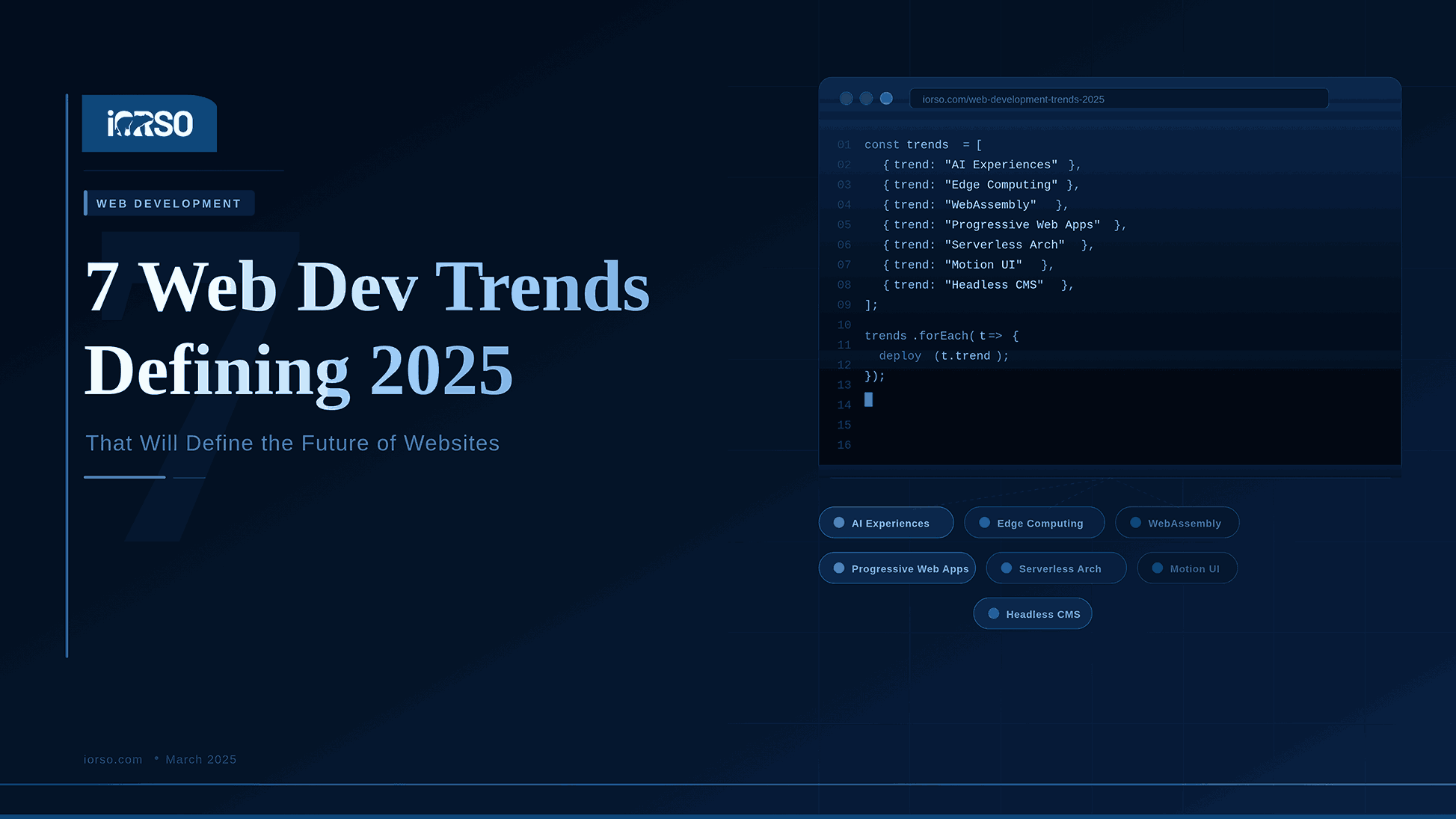
The web changes fast. What worked two years ago may now hurt your traffic. Businesses that ignore new trends risk falling behind their competitors. Staying current is not a luxury. It is a requirement for growth.
1. AI-Powered Web Experiences
Artificial intelligence is now a core part of web design. Sites use AI to show each visitor unique content. Chatbots answer questions in real time. Product pages adjust based on user behavior.
According to Gartner, 80 percent of companies used some form of AI by end of 2025. That is a huge jump from just a few years earlier. AI helps websites learn what each visitor wants.
This trend goes beyond simple chatbots. AI now powers search results, image choices, and even page layouts. Sites that use AI see higher engagement and longer visit times. If your site does not use AI yet, now is the time to start.
Smart web design teams Build aI features into the core of each project. This makes the user experience feel natural and personal.
2. Progressive Web Apps (PWAs)
Progressive Web Apps blend the best of websites and mobile apps. They load fast, work offline, and feel smooth on any device. Users can add them to their home screen without visiting an app store.
PWAs use service workers to cache content. This means pages load even with a weak connection. Push notifications keep users coming back. The result is an app-like experience with lower development costs.
A study by Google found that PWAs increase conversions by up to 36 percent. They also reduce page load times by 50 percent on average. Big brands like Starbucks and Pinterest already use them. Smaller businesses are now following their lead.
If your mobile traffic is growing, a PWA is worth exploring. It gives users a faster experience without the cost of Building a native app.
3. Voice Search Optimization
More people search the web with their voice each year. Smart speakers and phone assistants drive this shift. By 2025, voice searches made up over 30 percent of all web queries. Sites that ignore voice search lose valuable traffic.
Voice search works differently than typed search. People ask full questions instead of typing short phrases. Your content needs to match this natural language pattern. Think about how people talk, not how they type.
Optimizing for voice search starts with your SEO strategy. Use question-based headings. Write clear, direct answers. Add structured data to help search engines find your content. A strong technical SEO foundation makes voice optimization much easier.
4. Core Web Vitals and Performance
Google uses Core Web Vitals to rank websites. These metrics measure how fast a page loads, how quickly it responds, and how stable the layout is. Poor scores mean lower search rankings. Good scores mean more organic traffic.
The three main metrics are Largest Contentful Paint (LCP), First Input Delay (FID), and Cumulative Layout Shift (CLS). LCP should be under 2.5 seconds. FID should be under 100 milliseconds. CLS should be under 0.1.
According to HTTP Archive, only 43 percent of websites passed all three Core Web Vitals in 2025. That means more than half of all sites still have room to improve. Fixing these issues is one of the fastest ways to boost your search rankings.
Speed is not just about search rankings. Users leave slow sites. A one-second delay in page load time can reduce conversions by 7 percent. Every millisecond counts.
5. Headless CMS Architecture
A headless CMS separates the back end from the front end. Content lives in one place. It gets delivered to websites, apps, and other channels through an API. This gives developers more freedom in how they build.
Traditional CMS platforms like WordPress bundle everything together. A headless approach lets teams use modern front-end frameworks. React, Next.js, and Vue.js work well with headless systems. The result is a faster, more flexible website.
This trend matters for businesses with content across many channels. One piece of content can appear on Your Website, mobile app, and smart display. You write it once and publish it everywhere. This saves time and keeps your message consistent.
Headless CMS tools also pair well with automation workflows. Content publishing, updates, and distribution can all run on autopilot.
6. Motion UI and Micro-Interactions
Static websites feel outdated in 2025. Users expect movement and feedback. Motion UI adds smooth animations that guide attention. Micro-interactions respond to clicks, hovers, and scrolls.
These small details make a big difference. A button that changes color on hover tells the user it is clickable. A loading animation keeps visitors patient. A smooth page transition makes browsing feel seamless.
Good motion design is subtle. It does not distract. It guides. The goal is to make the site feel alive without slowing it down. Too much animation hurts performance and annoys users.
Teams that invest in motion UI see results. Sites with thoughtful animations report 15 percent higher user engagement. The key is balance. Use motion to support the experience, not to show off.
7. Accessibility-First Design
Accessibility is no longer optional. Over one billion people worldwide live with some form of disability. Designing for accessibility means designing for everyone. It also protects your business from legal risk.
In 2025, web accessibility lawsuits in the United States rose by 12 percent. Courts expect websites to meet WCAG 2.1 guidelines. These rules cover text size, color contrast, keyboard navigation, and screen reader support.
Accessible sites also perform better in search. Search engines reward clean code and clear structure. Alt text on images helps both screen readers and SEO. Proper heading order makes content easier for everyone to follow.
Making your site accessible is the right thing to do. It also expands your audience and improves your bottom line.
Trends Comparison Table
| Trend | Primary Benefit | Difficulty to Implement | Impact on SEO |
|---|---|---|---|
| AI-Powered Experiences | Personalized user journeys | Medium to High | Moderate |
| Progressive Web Apps | Faster load times, offline access | Medium | High |
| Voice Search Optimization | Capture voice-based traffic | Low to Medium | High |
| Core Web Vitals | Better rankings, faster pages | Medium | Very High |
| Headless CMS | Flexible content delivery | High | Moderate |
| Motion UI | Higher user engagement | Low to Medium | Low |
| Accessibility-First Design | Wider audience, legal safety | Low to Medium | High |
Key Takeaways
These seven trends are not passing fads. They reflect real changes in how people use the web. Businesses that adopt them early gain a clear advantage. Those that wait risk losing traffic and customers.
Start with the trends that match your biggest needs. If your site is slow, focus on Core Web Vitals first. If you want more mobile users, look into PWAs. If you need better search results, work on voice optimization and accessibility.
You do not need to tackle everything at once. Pick two or three trends and build from there. Steady progress beats a rushed overhaul every time.
Key Web Development Takeaways for 2025
- Build every site mobile-first. Over 60% of web traffic comes from phones.
- Target a page load time under 2 seconds for the best user experience.
- Add AI-powered features like chatbots and smart search to increase engagement.
- Follow WCAG accessibility standards on every page you build.
- Use modern image formats like WebP to cut load times by 30% or more.
- Test Core Web Vitals monthly and fix any issues right away.
- Consider a headless CMS for faster page loads and more design freedom.
Frequently Asked Questions
What is the most important web development trend in 2025?
Core Web Vitals and performance stand out as the most impactful trend. Google uses these metrics directly in its ranking algorithm. Improving your site speed boosts both search visibility and user satisfaction. It is the foundation that supports every other trend on this list.
How much does it cost to implement these trends?
Costs vary widely based on your current setup. Some changes, like adding alt text for accessibility, cost nothing but time. Bigger projects, like building a PWA or switching to a headless CMS, may require a larger budget. Start with low-cost, high-impact changes and scale up from there.
Can small businesses benefit from these trends?
Yes. Small businesses often benefit the most. A faster website or better mobile experience can set you apart from local competitors. Many of these trends level the playing field. You do not need a big team to make meaningful improvements.
How do I know which trends to prioritize?
Start with a site audit. Look at your current performance scores, mobile traffic, and search rankings. The data will show you where the biggest gaps are. Focus on the trends that solve your most pressing problems first.
Ready to Upgrade Your Website?
Our team helps businesses build faster, smarter, and more accessible websites. We stay on top of every trend so you do not have to.
Get in touch with us today to discuss your next project.